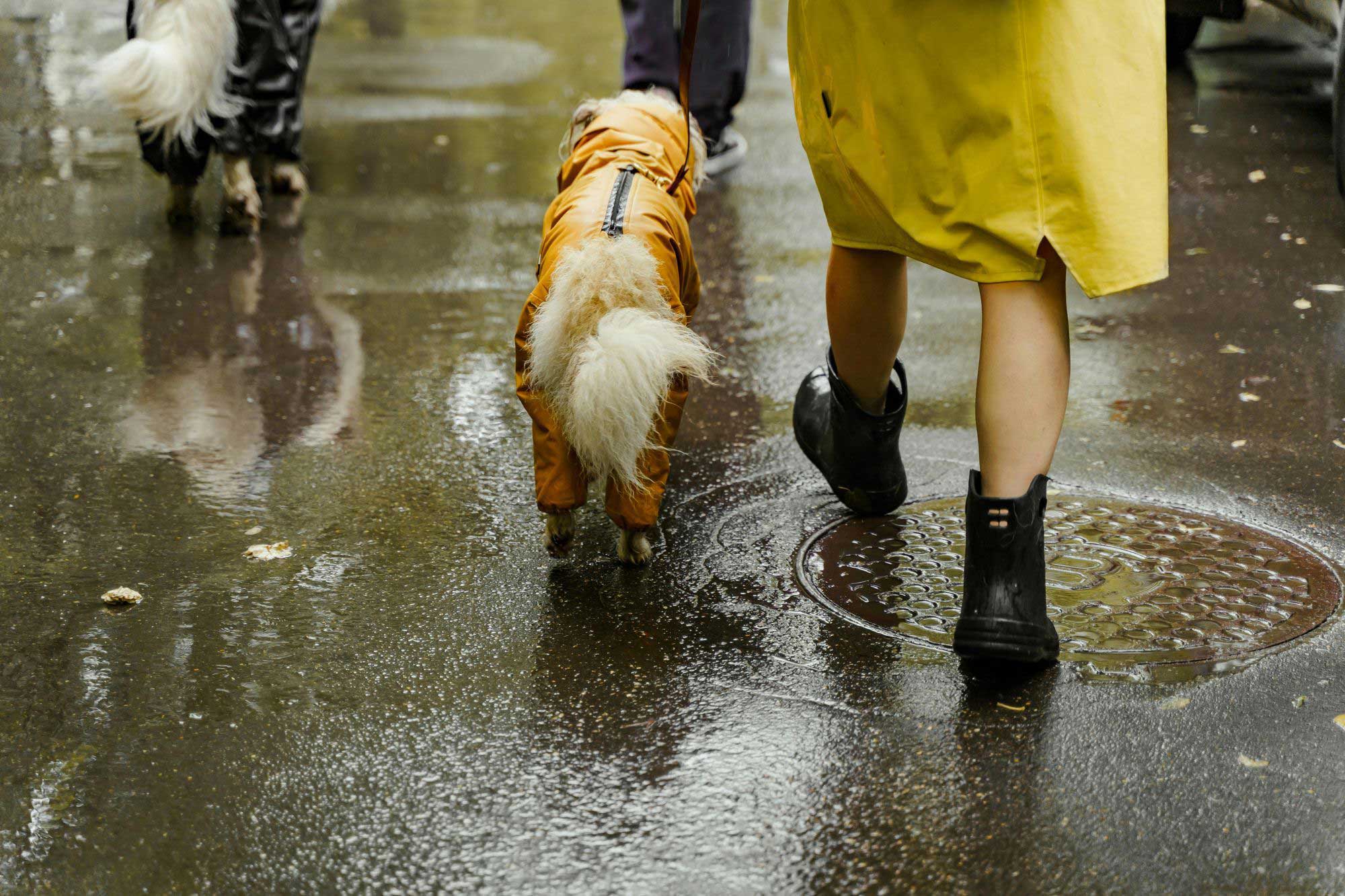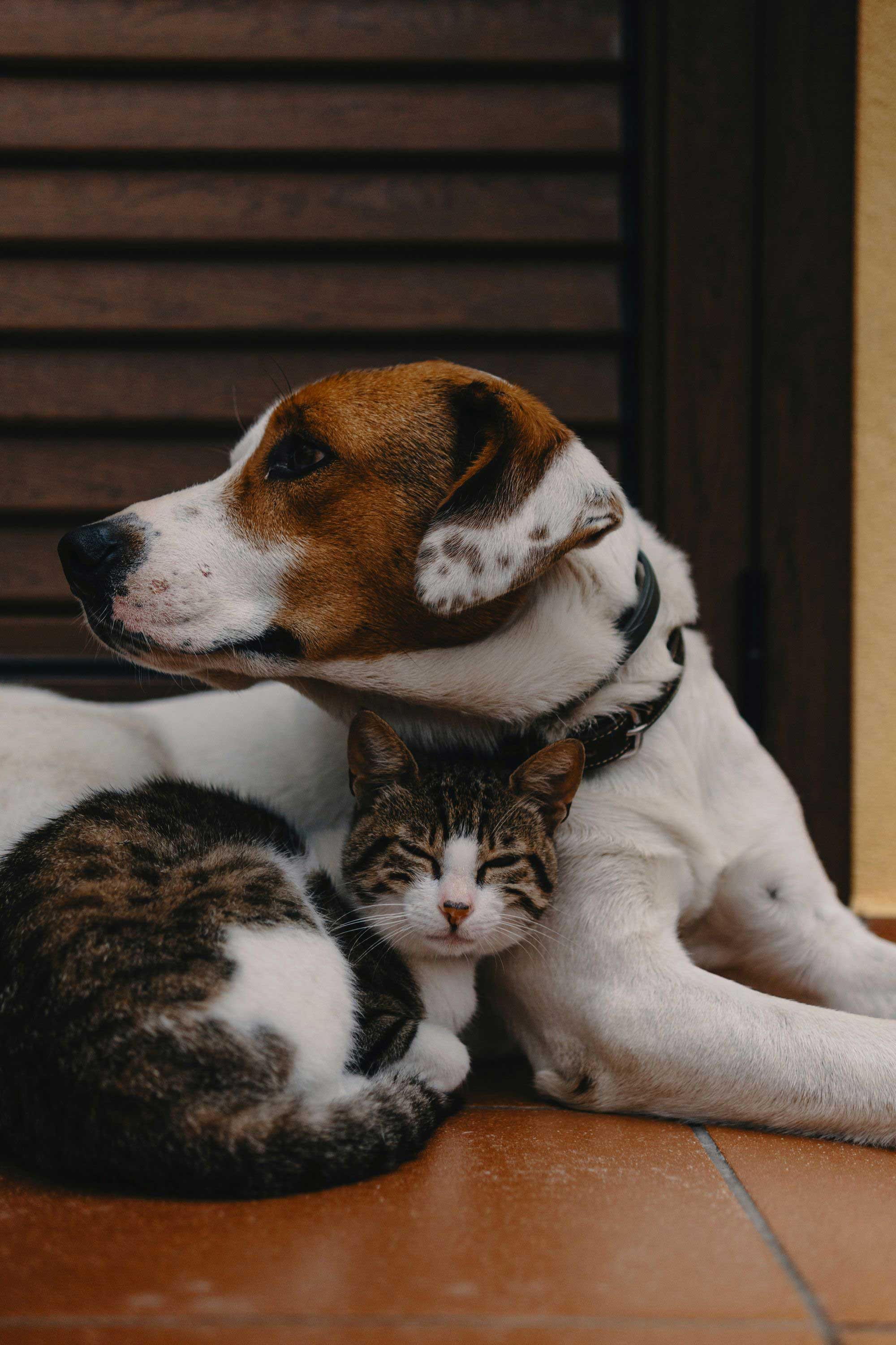


Picture this.
You're dropping your dog off at a new boarding facility. They ask about medications, feeding schedule, and emergency contacts. You're trying to remember everything while your dog is pulling on the leash.
Or this.
Your cat needs emergency care while you're traveling. Your pet sitter is at the vet, panicking because they don't know her vaccination history or current medications.
Or this.
You're at a new vet. They ask for your pet's complete health history. You have some of it. Maybe. Somewhere in your phone.
These situations happen all the time.
And they're all solved by the same thing: a Digital Pet ID.
Here's what it is, why it matters, and how to set one up for your pet.
What Is a Digital Pet ID?
A Digital Pet ID is a complete online profile of your pet's health and care information.
Think of it like a digital health folder that you can share with anyone who needs it.
It typically includes:
- Your pet's basic info (name, photo, age, breed, microchip number)
- Vaccination records and health documents
- Current medications and dosages
- Allergies or medical conditions
- Feeding schedule and care instructions
- Your contact information
- Emergency contacts and vet information
The key difference from paper records? You can share it instantly with vets, sitters, groomers, or family members whenever they need access to your pet's information.
Why Traditional Methods Fall Short
Most pet parents rely on one of these approaches:
Paper records in a folder
Great when you're at home. Useless when your pet sitter needs medication information at 10 PM.
Photos scattered across your phone
Good luck finding that specific vaccine record from eight months ago while the vet is waiting.
Verbal instructions to caregivers
"She gets half a pill in the morning and a full one at night. Or wait, is it the other way around?"
Emailing documents back and forth
Works until the information changes. Then you're sending updated versions and hoping everyone has the latest file.
A Digital Pet ID solves all of this.
Update the information once. Everyone with access sees the current version. No more confusion about whether someone has outdated details.
When You'll Actually Need a Digital Pet ID
Digital Pet IDs aren't just for emergencies. They're useful in everyday situations.
Boarding or daycare
Instead of filling out the same forms every time, share your pet's Digital Pet ID. The facility has everything they need: vaccination records, medications, feeding schedule, emergency contacts.
Emergency vet visits
Your dog needs urgent care on a Saturday night. You share your Digital Pet ID with the emergency vet. They immediately see vaccination history, current medications, and known allergies. Treatment starts faster.
Pet sitters and dog walkers
You're out of town. Your sitter needs to know: What time does the cat eat? How much medication? What's the emergency vet number? Share the Digital Pet ID once. They have access to everything.
Moving to a new vet
New city, new vet clinic. Instead of requesting records from your old vet and waiting for them to send files, share your Digital Pet ID. Your new vet has your pet's complete history immediately.
Traveling with your pet
Different cities mean different vets. You can share your pet's information with any vet or facility along your route without carrying physical paperwork.
Grooming appointments
Groomers need to know about skin conditions, anxiety medications, or handling instructions. Share the relevant information from your Digital Pet ID instead of explaining it every visit.
Family or roommate care
Multiple people caring for the same pet? Everyone stays on the same page about feeding times, medication schedules, and vet appointments.
What Information Should Be on a Digital Pet ID
Not all Digital Pet IDs are created equal. Here's what actually matters.
Basic identification
- Pet's name and recent photo
- Species, breed, age, and weight
- Color and distinctive markings
- Microchip number
- Unique ID code (if your platform provides one)
Medical information
- Vaccination records
- Current medications and dosages
- Allergies or adverse reactions
- Chronic conditions
- Recent vet visit summaries
- Upcoming vaccine due dates
Care instructions
- Feeding schedule and portion sizes
- Food brand and type
- Exercise routine
- Behavior notes (anxious around strangers, good with kids, etc.)
- Special needs or accommodations
Contact information
- Your name and phone number
- Emergency contact (family member or friend)
- Primary vet's name and contact information
- Emergency vet clinic location
- Pet insurance information (if applicable)
You don't need all of this on day one. Start with the essentials and add more as you go.
How to Create a Digital Pet ID
Creating a Digital Pet ID is simpler than you might think.
Step 1: Choose Your Platform
You have a few options.
Pet care apps
Apps like güdpet are built specifically for this. You create your pet's profile once, and it generates a Digital Pet ID automatically.
The app stores everything securely and gives you a unique ID code or shareable link. Updates happen instantly across everyone who has access.
DIY approach
You can technically create your own using Google Docs or a simple website. Put all relevant information in one document, set sharing permissions, and generate a shareable link.
This is free but clunky. You have to manually update everything, and it's not designed for quick access in emergencies.
What works best?
For most pet parents, a dedicated pet care app is the easiest option. It's built for this exact purpose, includes all the features you need, and requires minimal setup.
Step 2: Gather Your Pet's Information
Before you start entering data, collect everything you'll need:
- Recent photo of your pet
- Microchip number (check your adoption paperwork or call your vet)
- Vaccination records
- Current medication list
- Your vet's contact information
- Emergency contact information
Having this ready makes setup faster.
Step 3: Create the Profile
If you're using a pet care app, this is straightforward. The app will guide you through each section.
Fill out:
- Basic profile (name, breed, age, photo)
- Contact details
- Medical history
- Vaccination records
- Current medications
- Care instructions
Don't skip anything important. The more complete the information, the more useful it is when someone needs it.
Step 4: Note Your Pet's Unique ID
Once your Digital Pet ID is set up, your pet will receive a unique ID code.
This is typically a 5-digit code that identifies your pet's profile. You'll use this code when someone needs to request access to your pet's information.
Write this code down or keep it easily accessible. You can share it with vets, sitters, or groomers when they need access.
How to Share Your Digital Pet ID
The whole point of a Digital Pet ID is sharing it with people who need access to your pet's information.
Here's how it typically works.
Method 1: Share Directly from the Platform
Not all pet care apps let you share directly.
With güdpet, you enter the recipient's email address in the app. Choose their access level (full access or limited). The app sends them an email with a unique link.
When they click the link:
- If they already have an account on the platform, the shared profile appears in their account
- If they don't have an account, they'll be asked to create one
Once they're in, they can view your pet's information based on the access level you set.
Method 2: Share Your Pet's Unique Code
Some platforms give each pet a unique ID code.
With güdpet, every pet is assigned a unique ID code that you can give to your vet, sitter, or groomer. They enter the code in the platform to gain access to your pet’s profile.
Or if the vet, sitter, or groomer already has an account on güdpet, they can input your pet’s unique ID code on their end, and you’ll get a notification asking to approve their access.You can accept or decline. If you accept, you can then choose what level of access they get.
Controlling Access Levels
With güdpet, you have full control over who has access to your pet’s information and what they’re able to see.
Full access:
They see everything. Vaccination records, medications, care notes, contact information. Use this for primary caregivers like family members or regular pet sitters.
Limited access:
You choose what they can see. Maybe just vaccination records for a groomer. Or just feeding instructions for a dog walker.
You can change access levels anytime. Remove access when you no longer need someone to have it.
How to Keep Your Digital Pet ID Updated
With güdpet, creating a Digital Pet ID is step one. Keeping it current is step two.
Here's the maintenance routine:
After vet visits:
- Upload new vaccination records
- Update medication changes
- Add any new diagnoses or health notes
When contact information changes:
- Update your phone number immediately
- Change emergency contact if needed
- Update your address if you move
Review quarterly:
- Check that all information is still accurate
- Update your pet's photo if their appearance has changed
- Remove medications they're no longer taking
This takes maybe five minutes every few months. But it ensures your Digital Pet ID is actually useful when someone needs it.
Privacy and Security
Storing your pet's information online raises valid security questions.
Here's what to think about:
Choose secure platforms
Use services that encrypt your data and have clear privacy policies. Reputable pet care apps take security seriously.
Control who has access
With a platform like güdpet, you control sharing permissions. You decide who can see your pet's information and what level of access they get.
You can remove access anytime.
Don't overshare publicly
Never post your pet's full Digital Pet ID on social media. Share only with people who need access for legitimate care purposes.
Use strong passwords
If the platform offers two-factor authentication, enable it.
Common Questions About Digital Pet IDs
Can I create a Digital Pet ID for multiple pets?
Yes. With a platform like güdpet, you can create separate profiles for each pet. Each one gets its own unique ID and shareable access.
What if the person I'm sharing with doesn't use the same platform?
When access is given by a pet parent on güdpet, an email is sent with a link to the pet’s profile. Through the link, they’ll be able to create a free account on the platform to view the shared profile. This takes a few minutes.
Can I share different information with different people?
Yes. güdpet offers limited access, which let’s you choose what each person sees. Your vet might see everything. Your dog walker might only see feeding and exercise information.
What happens if I stop using the platform?
Export your pet's information before closing your account. Most platforms let you download records as PDFs. Keep these as backup.
The Bottom Line
A Digital Pet ID is one of those things you set up once and use constantly.
It takes 15 minutes to create. It saves hours of stress and confusion every time someone needs access to your pet's information.
Whether you're coordinating with a pet sitter, visiting a new vet, or handling an emergency, having all your pet's information organized and shareable makes everything easier.
Don't wait until you're scrambling to remember medication dosages or searching for vaccine records.
The easiest way to create a Digital Pet ID? Use a platform built for it.
güdpet creates a complete Digital Pet ID when you add your pet's information. It includes health records, vaccination history, medications, care instructions, and contact details all in one shareable profile. You control who has access and what they can see. It's free to get started, with optional Premium features available on a monthly or annual subscription.
Managing your pet's wellbeing can be stressful. Sharing their information shouldn't be.
Ready to create your pet's Digital Pet ID? Start with güdpet at mygudpet.com